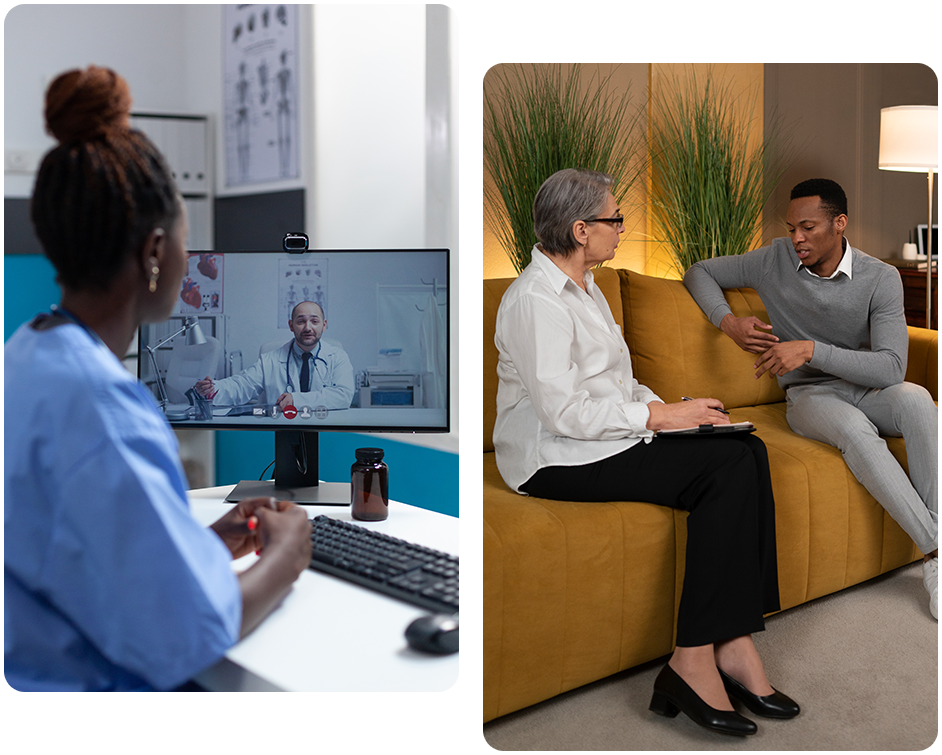
Televisit

Steps For Virtual Appointments

  • Before your appointment, call the office and make your payment over the phone or request to have a card on file. If you want to put a card on file, we will e-mail you your receipt when we run your card.
  • You can access your provider’s telehealth service by placing the link below in your browser for your provider. To use this service, there is no software installation required. It works best on Chrome and Firefox browsers. However, the service will not work with Internet Explorer.
  • Once you log in, enter your name and check yourself in. You will then be queued to your provider’s waiting room to start your session.

ATTENTION ALL IPHONE USERS: YOU MUST USE YOUR SAFARI BROWSER TO ACCESS THE VIRTUAL TERMINAL

How to log in and use telehealth

Accessing and getting the most out of your upcoming virtual telehealth appointment with our practice is very simple. These instructions walk you through the setup steps and requirements. You’ll learn how to connect and join, how to check and adjust audio, and how to use your web camera. You’ll also learn how to reconnect to your appointment if disconnected. We recommend you have all steps completed at least fifteen minutes prior to your telehealth appointment.